Understanding Power Over Ethernet
AD. Power Over Ethernet (PoE) is a smart way to deliver electricity to devices using the same cable that connects them to the internet. It can power things like IP cameras and Wi-Fi access points without needing separate power cords. In smart homes, PoE systems help simplify setups by reducing clutter and installation hassles.
[Photo by Pixabay]
Basics of PoE
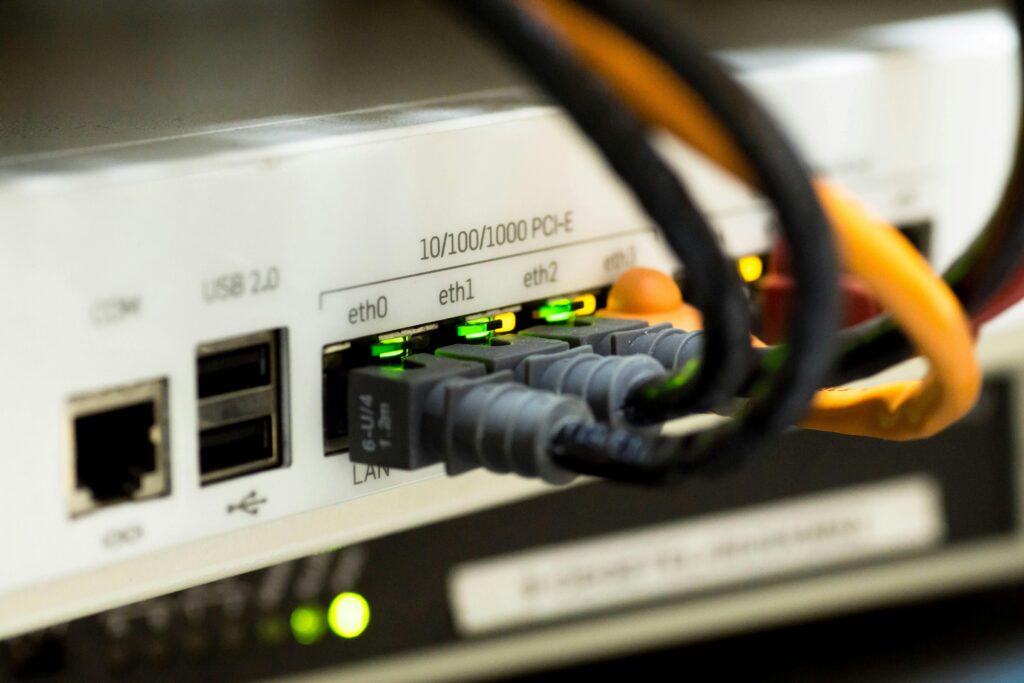
PoE allows you to send electrical power through a standard Ethernet cable. This technology combines power and data into one cable, which is handy for powering things like security cameras or smart lighting. IEEE 802.3at, a popular PoE standard, supports higher power levels needed by modern devices.
Setting up PoE might involve using a PoE switch or a PoE injector. The injector helps send power through the Ethernet cable if your existing switch doesn’t support PoE. That means fewer cables and clutter, simplifying your smart home setup.
Advantages of PoE for Smart Homes
One standout benefit of PoE is its convenience. You don't need to hire an electrician to install extra outlets where you want to place your smart devices. With PoE, you can power your smart home gadgets through your existing network cables.
Another advantage is flexibility. With PoE, devices can be installed in locations where traditional power outlets aren't available. This makes it possible to mount cameras or sensors in high spots or hard-to-reach areas, further enhancing home security and automation capabilities. Plus, PoE can be more cost-effective, as you save on both materials and labor.
Setting Up a Smart Home Network
Setting up a smart home network involves choosing the right router, planning network capacity, and integrating wireless access points. Routers have different capabilities, so it's crucial to select one that supports your smart home needs. Proper planning ensures your network can handle the demands of multiple devices. Wireless access points help extend your network’s coverage, increasing connectivity throughout your home.
Choosing the Right Router
Picking out the best router is the first step in setting up your network. Wi-Fi 6 routers offer faster speeds and improved efficiency, especially if many devices are connected simultaneously. Consider a router with a built-in mesh network capability. This feature allows multiple routers to work together, providing more reliable coverage throughout your home.
You'll also want a router with local control features, so you can manage your devices without relying on cloud services. This is vital for maintaining privacy and reducing delay. Look for routers that offer high bandwidth to support data-heavy applications like video streaming and online gaming. It's a good idea to check reviews and specifications to make sure you're getting the best option for your needs.
Planning Network Capacity
Planning network capacity is crucial for smooth smart home function. Start by listing all your devices, such as smart TVs, cameras, and sensors. Each device takes up bandwidth, so knowing the count helps you plan your network better. Calculate the total bandwidth required, ensuring your network can handle peak times when all devices might be active.
Consider using network switches to expand available ports if you have many wired devices. This helps balance the load and maintain performance. If certain devices need stable connections, Ethernet is preferable for its reliability over Wi-Fi. Regularly updating your network hardware can also prevent bottlenecks and keep everything running smoothly.
Integrating Wireless Access Points
Wireless access points (WAPs) extend your network's reach, providing coverage in every corner of your home. Place them strategically to eliminate dead zones—possibly in hallways or rooms far from your main router. It's wise to use equipment from the same brand to ensure compatibility and easier network management.
Some access points offer mesh network capabilities, seamlessly connecting devices as you move through your home. Check if your WAP can support a high number of simultaneous connections, especially important in smart homes with many gadgets. Adjusting WAP settings can also optimize performance, such as fine-tuning signal strength or frequency channels to reduce interference from nearby networks.
Smart Devices and Compatibility
In a smart home powered by Ethernet, ensuring device compatibility is crucial. You'll need to focus on interoperability, smart lighting, switches, and seamless voice control integration to create an efficient and cohesive system.
Ensuring Interoperability
Interoperability is a major factor when connecting smart home devices. You want different brands and types of devices to communicate without a hitch. Standards like Matter aim to make this easier, allowing devices from Amazon, Apple, Google, and others to work together effortlessly.
It's important to check if your devices support Ethernet, as this can improve connection stability compared to Wi-Fi. Devices supporting Matter provide a broader range of options, ensuring your connected devices interact smoothly.
Smart Lighting and Switch Solutions
Smart lighting and switches enhance your home’s efficiency and ambiance. When choosing smart lights, look for systems that are compatible with your network and can be controlled via Ethernet. Brands like Philips Hue and LIFX offer such options.
Smart switches can control non-smart bulbs by integrating them into your setup. This allows you to manage lights through your smart home platform. When choosing these, confirm they are compatible with your smart hub to avoid any issues.
Voice Control Integration
Voice control is a convenient feature for managing your smart home. Devices compatible with platforms like Amazon Alexa, Google Home, or Apple HomeKit can often be controlled by voice commands. This lets you adjust your lighting or switch devices on and off with a simple request.
Smart speakers or displays can serve as your voice assistant interface. Ensure they are on the same network for smooth operation. Check that voice control features work with all your connected devices for an optimal experience.
Installation and Setup
Setting up a smart home powered by Ethernet involves deciding between professional and DIY installation, and gathering the right tools. You'll want to ensure everything is carefully planned for a seamless experience.
Professional Vs. DIY Installation
Choosing between hiring a professional and doing it yourself can greatly impact your setup process. Professional installation offers expertise in installing and setting up Ethernet connections without hassle. Electricians can handle complex wiring, ensuring safety and efficiency.
If you prefer the DIY route, you'll save on costs and have control over the timeline. However, it requires some technical knowledge, especially for using tools like drills and levels. Reading guides and watching tutorials can be helpful. Make sure you’re comfortable with the technical tasks to avoid errors.
Required Tools and Equipment
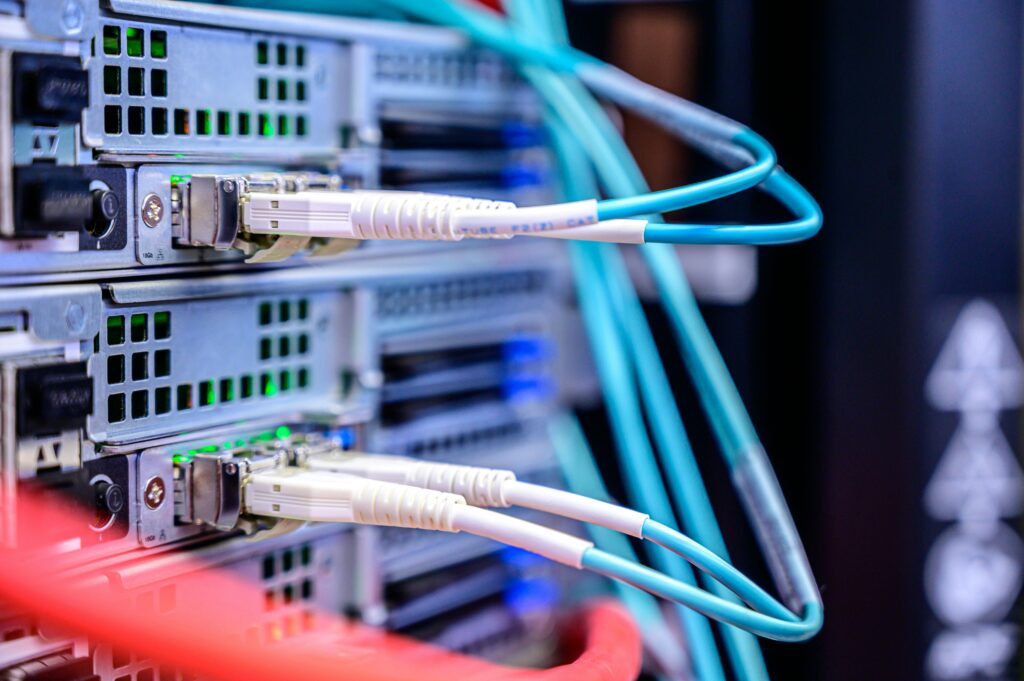
Setting up a smart home with Ethernet starts with collecting the necessary tools. You’ll typically need an Ethernet cable for wiring connections throughout your home. A drill and screws are essential for mounting devices securely.
Use a level to ensure everything is aligned correctly. Cable cutters and strippers are needed for cutting and preparing Ethernet wires. Having the right tools makes installation smoother, so check your toolbox before starting. You may also need a network switch to manage multiple devices efficiently.
[Photo by Brett Sayles]
Enhancing Smart Home Security and Privacy
In a smart home, keeping your personal information secure is just as important as enjoying the benefits of automation. Ensuring network safety and addressing privacy concerns can help protect your home from unwanted intrusions.
Assessing Network Security
To keep your smart home secure, start with your network. Ethernet connections offer a reliable way to connect devices, reducing wireless vulnerabilities. Use strong, unique passwords for your network and devices to prevent unauthorized access.
Make sure your router firmware is updated regularly. This helps patch any security gaps. Enable a firewall for an extra layer of protection. Firewalls can block unwanted traffic from entering your network.
Consider network segmentation. Separating your smart devices from other internet-connected gadgets can limit potential threats. This means even if one device is compromised, it doesn’t give easy access to everything else on your network.
Privacy Concerns with Smart Homes
Privacy is a major concern when using IoT devices. Smart home gadgets often collect personal data, and it’s important to manage how this data is handled. Check device settings to control which data is shared and with whom.
Be aware of third-party apps and services. These sometimes access more data than necessary. Always read the privacy policies and choose services that respect your privacy. Keeping your software updated is crucial, as updates can fix known privacy bugs.
Monitor your devices. Regularly review their activities to ensure that they are behaving as expected. If something seems off, investigate and adjust the settings. By staying informed and proactive, you can maintain a balance between convenience and privacy.
Emerging Technologies and Protocols
Smart home technologies are rapidly evolving, integrating more protocols and networking standards. This is making homes more efficient and better connected than ever.
Networking Standards and Electricity Over Ethernet
Using Ethernet cables offers a reliable way to connect smart home devices. You can benefit from Power over Ethernet (PoE), which allows the same cable to provide both data and electricity to devices like cameras and access points.
Ethernet is fast and stable, reducing interference that wireless connections might face. Protocols like Matter, Zigbee, and Z-Wave often work alongside Ethernet, integrating different devices seamlessly. Some smart homes use Home Assistant and Control4 for enhanced control and automation.
Ethernet’s compatibility with Bluetooth LE and Thread allows for diverse and flexible device connectivity. Each has unique advantages for specific devices or functions within your smart home.
Futuristic Smart Home Innovations
Exciting innovations are transforming smart homes with enhanced features and integration capabilities. Emerging technologies like Matter allow different devices from brands like Apple, Google, and Amazon to work together easily, making your home smarter and more adaptable.
Bluetooth and Bluetooth LE enable energy-efficient communication, perfect for battery-powered devices. Zigbee and Z-Wave ensure secure and fast communication between devices. As these technologies improve, your smart home network becomes more robust.Thread enhances connectivity by ensuring devices stay connected even if one fails. This creates a reliable network, preparing your home for future smart devices and technologies. New innovations continue to emerge, adding convenience and smart automation to your daily life.