AD. We all know that feeling: you open your laptop to a desktop full of icons, or you see thousands of unread emails. It's a modern kind of stress. Just like a messy room can make you feel anxious, a disorganized digital life can drain your focus and energy. Getting your digital world in order isn't just about being tidy; it's about creating a calmer, more productive space for your mind.
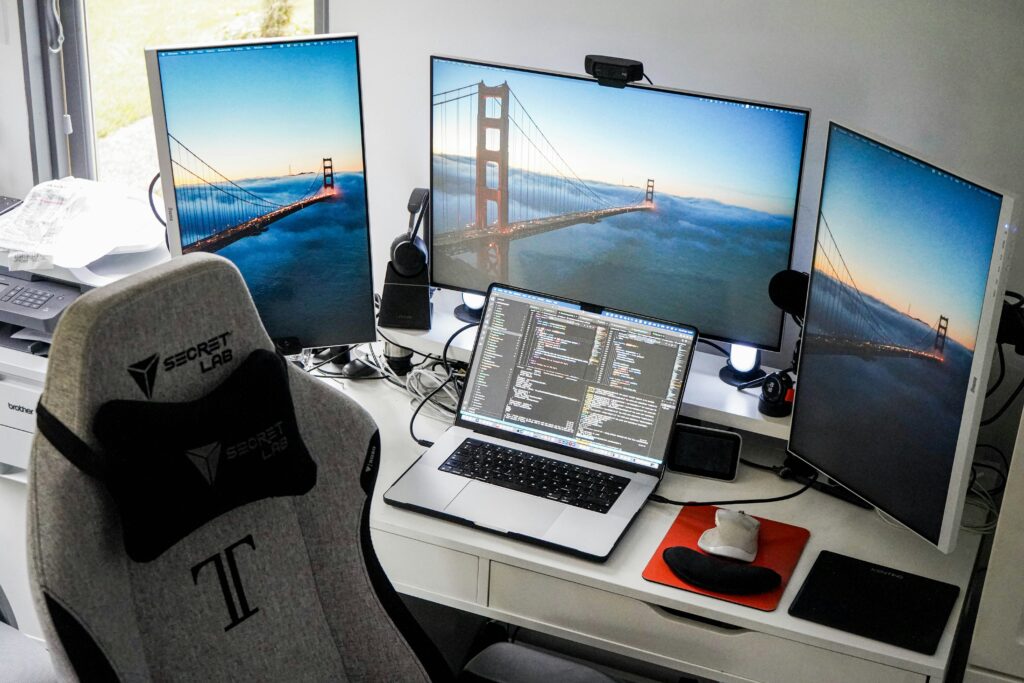
[Photo by Liam Charmer on Unsplash]
Tackling Your Email Inbox
Your email inbox is often where digital chaos starts. A constant stream of notifications, newsletters, and work messages can quickly become too much. The trick is to take charge with a few simple habits. Begin by unsubscribing from mailing lists you no longer read. Most emails have an 'unsubscribe' link at the bottom.
Next, set up a simple folder system. You might have folders for 'Receipts', 'Work Projects', or 'To Read'. When emails arrive, try to 'touch them once'. Either reply right away, file it for later, or delete it. This stops your main inbox from turning into a giant to-do list. Following a step-by-step digital declutter can give you a clear way to get your inbox back under control.
Organising Digital Photos and Files
From family photos to important documents, our computers hold a huge collection of files. Without a system, finding what you need can feel like looking for a needle in a haystack. The best time to start organizing is now. Create a main folder structure that makes sense to you. A common way is to organize by year, then by month or event (e.g., '2024' > '07-July Holiday').
Go through your folders and be honest about what you really need. Delete duplicates, blurry photos, and old drafts of documents you no longer use. Cloud storage services are great for backing up important files and freeing up space on your device, but they also need organizing to actually help.
Automating Digital Workflows
You can set up rules in your email program to automatically sort certain messages. For instance, you could have all online shopping receipts go straight to a 'Purchases' folder. This is much like how Copilot agents can be set up to handle specific tasks without you having to think about it.
This idea goes beyond email. You can use apps to automatically back up photos from your phone to a specific cloud folder, or to sort downloaded files by their type. For more complicated jobs, new tools like AI Agents in Copilot are appearing to help manage information and automate routines in your digital workspace, making it easier to stay organized.
Mindful App Management
Our phones and computers often have apps we downloaded once and never used again. Take 15 minutes to scroll through your devices and delete any apps that don't serve a purpose. This not only frees up storage but also reduces visual clutter.
For the apps you keep, organize them into folders on your home screen. You could group them by what they do, like 'Finance', 'Social', or 'Health'. Another important step is to manage your notifications. Go into your settings and turn off alerts for apps that aren't essential. Constant pings and pop-ups are a big distraction, and controlling them gives you back power over your attention. This process is a key part of any good digital decluttering guide.
The Benefits of a Decluttered Digital Life
The effort you put into digital decluttering really pays off. With fewer distractions and a clear system for your files, you'll find it easier to focus on what you're doing. Finding a specific document or photo becomes a quick search instead of a frustrating hunt, saving you valuable time.
Perhaps most importantly, a tidy digital space helps create a calmer mind. It lessens that low-level anxiety that comes from knowing you have thousands of unread emails or a desktop so full you can't see the background. It gives you a sense of control and accomplishment, leaving you with more mental energy for the things that truly matter.
Tackling your digital clutter might seem like a huge job, but starting small makes all the difference. Pick one area, maybe your desktop or your email subscriptions, and spend just 20 minutes on it today. You'll soon see how a little organization can bring a lot of clarity.